Ozeki VoIP Service Checker
|
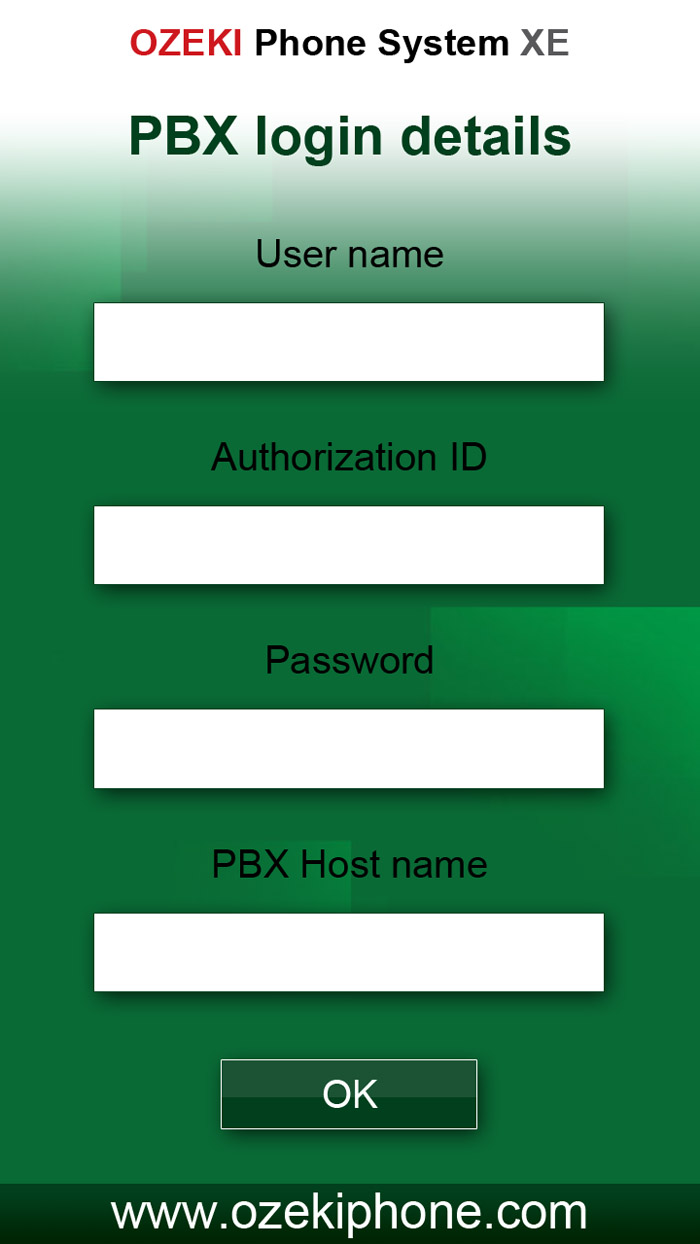
The Ozeki VoIP Service Checker is a tool you can use for checking the availability of VoIP services. It can be used to verify if a given service exists, whether it can be reached from a particular network and it checks if the user details, such as the username and password to access that service is correct. This tool was developed because many mobile Internet providers block VoIP traffic and no other tool exists that makes it possible to quickly verify if a certain network support VoIP. The tool is as made available to the public free of charge with the GPL license. The tool is open source. The source code is provided for different platforms. You are free to use, modify, develop or do whatever you wish with this tool. How does the VoIP Service checker work?
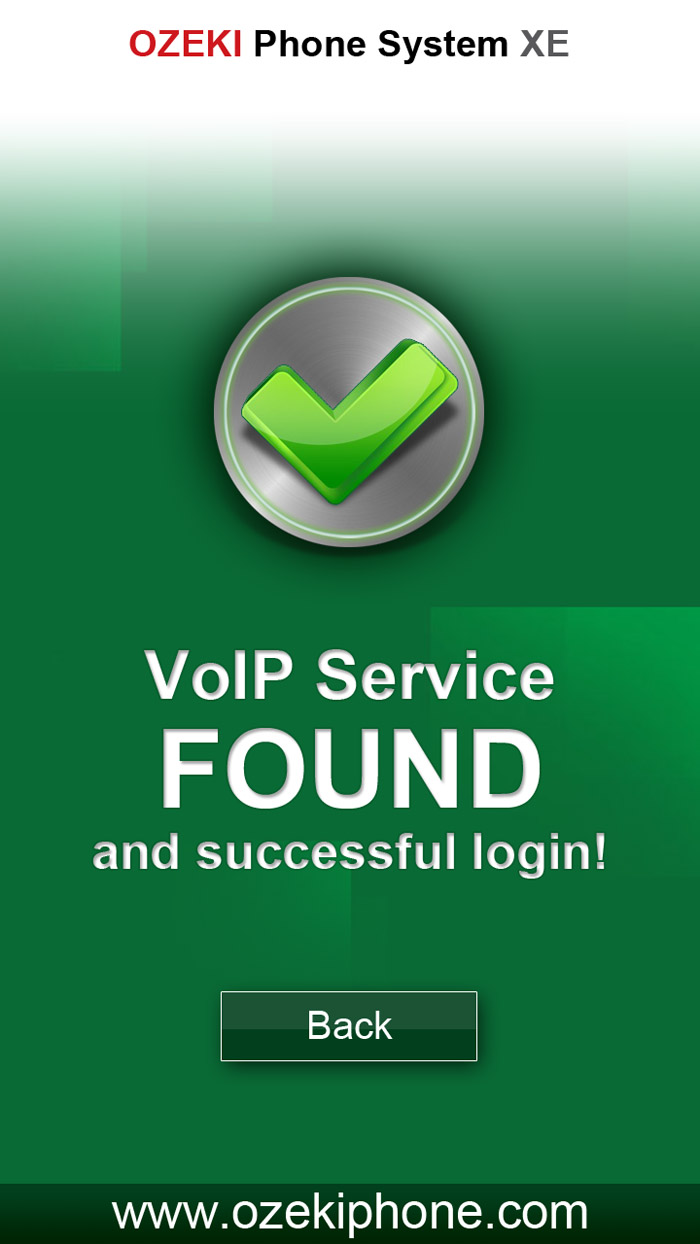
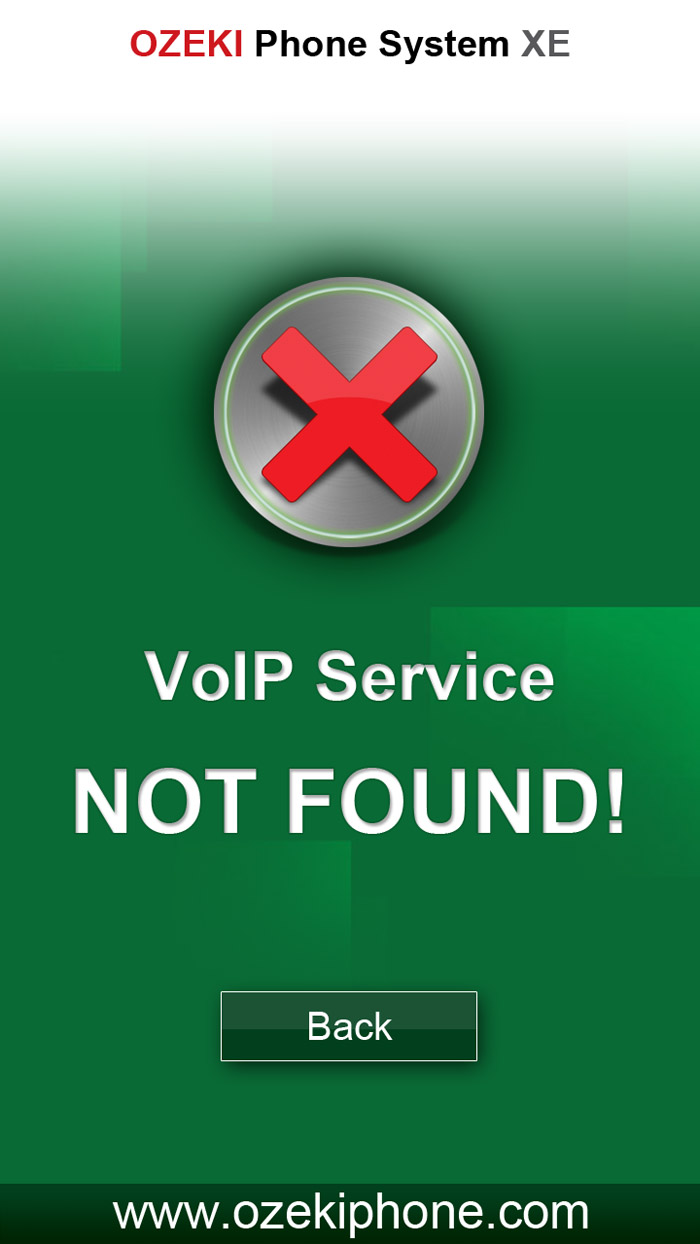
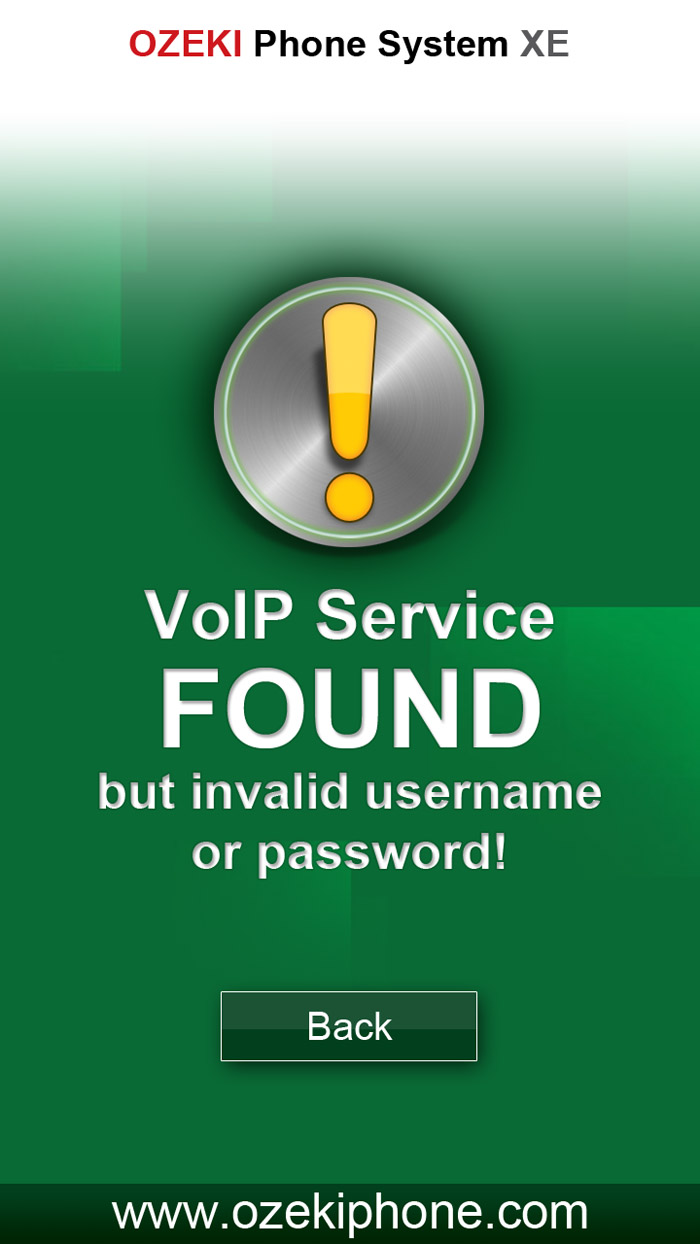
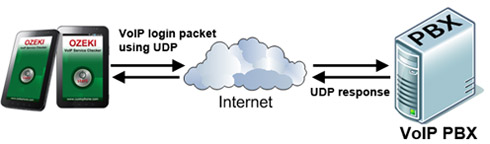
The Ozeki VoIP service checker checks the availability of a VoIP service by sending a VoIP login packet to the PBX and it waits for a response. The login packet is an UDP packet formatted according to the SIP protocol. If the PBX receives the VoIP login packet it sends a response message telling wether the login information was correct or not. If no response message is received it indicates that the PBX is not available or the Internet service provider blocks VoIP packet. If a response is received the status of the response indicates if the login information is correct or not. The VoIP service checker tool displays the result. |
|





|
|
|
|
|